Archive for the ‘Computer Networking’ Category

WordPress 2.6

Author: Steve Martin

I just upgraded this blogs software to version 2.6. Upgrading with WordPress has been very easy in the past and once again, the process was very simple. I have been very impressed by the WordPress software. It is far superior to blogging software I have used in the past. If anyone needs help setting up a blog, I’d be happy to help. Just let me know.

What good is a blog?

Author: Steve Martin

I must admit that I never really saw the need for a blog in the past until I had my own. My wife was the same way. Why would she want to write a blog? It’s not like we believe ourselves to be great writers or anything and who would want to read our blogs anyway? To me, it is a way to write down helpful tips or fun memories. My wife loves to be able to record her memories and place them with some pictures. She always just figured “Oh, I’ll remember that”. Well, as much as we hate to admit it, we forget things all the time. Memories that we had of Abby, our oldest, have been forgotten and since we never wrote them down, we may never remember them. So, if for no other reason than keeping a record of our memories, I would encourage everyone to have a blog. You don’t necessarily have to make it public but it is a much easier way to share your thoughts and memories than keeping a written journal. There are many free online blogging sites such as http://www.wordpress.com and http://www.blogger.com. It’s easier than you may think to get started. You could be blogging in less than 5 minutes. Check it out.

Mobile Broadband

Author: Steve Martin

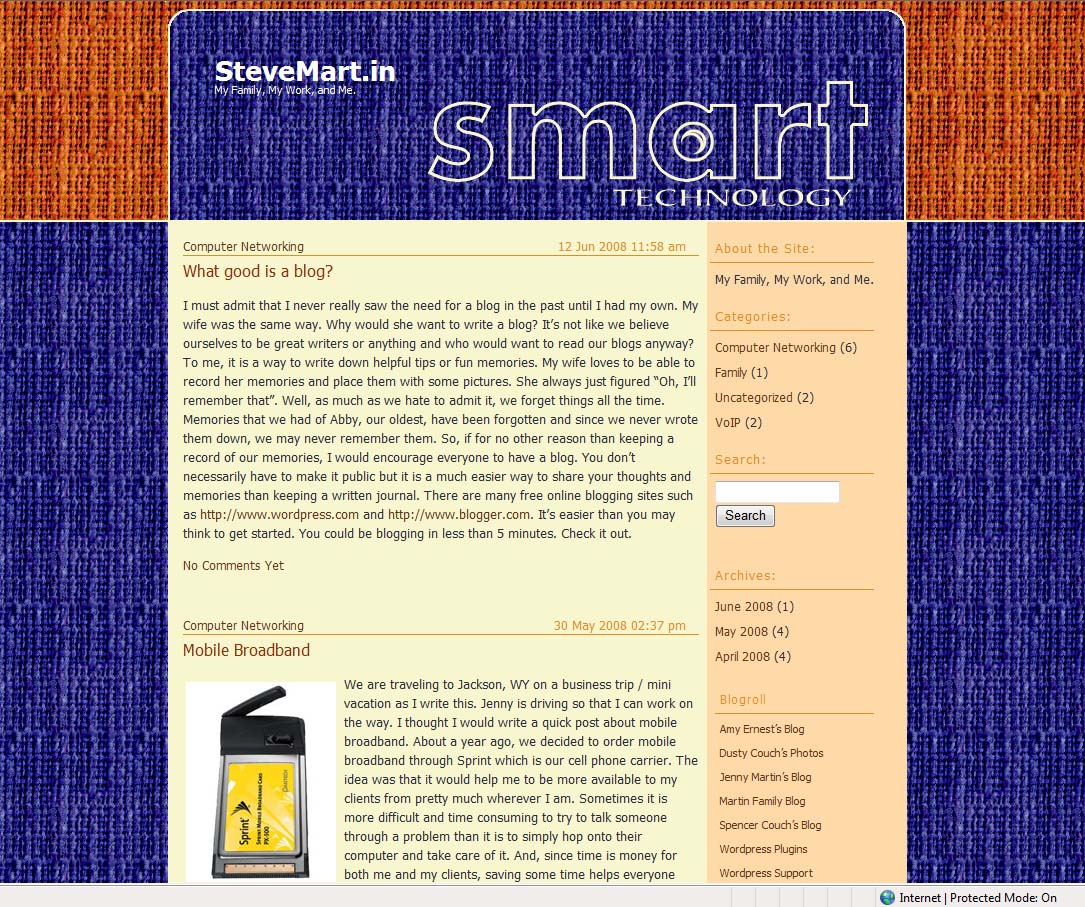
We are traveling to Jackson, WY on a business trip / mini vacation as I write this. Jenny is driving so that I can work on the way. I thought I would write a quick post about mobile broadband. About a year ago, we decided to order mobile broadband through Sprint which is our cell phone carrier. The idea was that it would help me to be more available to my clients from pretty much wherever I am. Sometimes it is more difficult and time consuming to try to talk someone through a problem than it is to simply hop onto their computer and take care of it. And, since time is money for both me and my clients, saving some time helps everyone involved.

So, we purchased mobile broadband and haven’t looked back. It is awesome! I love being able to browse the Internet, check and reply to e-mail, hop on clients’ computers to resolve problems…from anywhere. Right now, I am doing all of this while traveling 75 MPH. On several occasions I have pulled off the freeway to take care of something for a client real quick so they don’t have to wait for me to get back home or to my next location. It works great right now but should continue to improve over time. Sprint has upgraded much of their network to take advantage of Rev A speeds. Before Rev A there was Rev 0. The basic difference is in upload speeds, not download speeds. Rev 0 had a very slow upload speed. It was basically as slow as a 56K modem but the download speeds were burstable to 2 mbps. With Rev A you get equal download and upload speeds of 2 mbps (burstable). The average speed is probably between 500 kbps to 1 mbps. That’s pretty decent for mobile broadband.

In researching mobile broadband, I found that Sprint is actually a very good provider. They do not limit the amount of bandwidth people are allowed to use where Verizon caps you at 5GB per month. Most of the message boards I visited rave about the Sprint service and tout it as the best out there right now. Others are slower, not as reliable, and/or limit your use of the service.

The cost for the Sprint mobile broadband service when I signed up was $60/month when you sign a 2 year contract and $80/month without a contract. So, if you have a need for it, I would highly recommend getting it.

ie7pro

Author: Steve Martin

I am not the kind of person that installs a whole lot of plugins on an Internet browser but I have found one that is a must for anyone running Internet Explorer 7. It is called ie7pro and puts several things into IE that should have been in there in the beginning. You can download it from http://www.ie7pro.com. It is free and quick to install.

It looks like this at the bottom of your IE7 browser window (the little ‘e’):

To change any of the features of ie7pro, you simply go into the tools menu of Internet Explorer 7 and choose “IE7Pro Preferences”. There you will be able to set and change any of the many features of ie7pro.

My first favorite feature is the “Crash Recovery” feature. I don’t know about you, but my Internet Explorer browser does crash from time to time. Either it dies on it’s own and closes or it freezes up and I have to force it to close. Well, ie7pro remembers all of the tabs that you had open before the crash. So, the next time you open Internet Explorer, it will ask you if you want to restore your previous session. I generally keep at least 10 to 20 tabs open all the time in Internet Explorer and it is a major pain to even remember what I had open let alone the time to go through and re-open them all up again. with ie7pro crash recovery turned on, I simply say “yes” after I re-open IE and all of my tabs open back up again right where I left off.

My second favorite feature is “refresh current tab”. It is pretty self explanatory but basically you choose a tab that you want to auto-refresh, go into the “refresh current tab”, and choose an interval from 5 seconds to 30 minutes. ie7pro will then refresh that particular tab according to the interval you set. This works great for sites that log you out after a certain amount of inactivity. I have several sites I use frequently that do this but with ie7pro, I never get logged out anymore. The refresh makes the site think that I am still actively using their site and keeps me logged in.

There is also an ad filter that will filter out a lot of the ads you see on different web sites. I have not turned this feature on simply because sometimes those ads are very worthwhile and actually help me save money on things I buy anyway. But for those that prefer fewer ads, you could turn it on and skip a lot of the advertisements.

Being a free product, I highly doubt there is any tech support for the product but I haven’t run into a need for it either. The software works as promised. So, if any of the features sound useful to you, check it out.

More on Magicjack

Author: Steve Martin

It just keeps getting better. I have now used the magicjack at a few locations to make support calls on my client’s behalf and it has worked great. I wanted to give a couple of updates regarding the feaures that impressed me. First of all, the voicemail. Yes, this cheap service even includes voicemail. You can either check it by dialing your number and hitting star or just listen to the attachment that gets e-mailed to you after someone leaves a message. Since I don’t ever plan on using my magicjack for incoming phone calls, I recorded a special message for my kids. My children are a little afraid of jolly old St. Nicholas. He freaks them out. The only time they have sat on his lap is before they knew any better (like maybe before they turned one). So, in order for my kids to tell Santa what they want for Christmas, they call and leave him a voicemail. Previously, I was using an old Vonage line for them to do this with but now that I found Magicjack, I cancelled that Vonage line and Magicjack will replace it. If you want to let your kids call Santa to let him know what they want for Christmas, my Magicjack number is 801-738-0668. I don’t sound a lot like Santa but it fools MY kids.

Another feature that improves the pricing for Magicjack even more (I didn’t think that was possible), is that you can prepay for future years of service at quite a discount. I logged into my Magicjack account and found that I could pay for the next 4 years of sevice for only $50. That’s a $30 savings. I now have unlimited phone service for the next 5 years for only about $90.

Vista…should I upgrade?

Author: Steve Martin

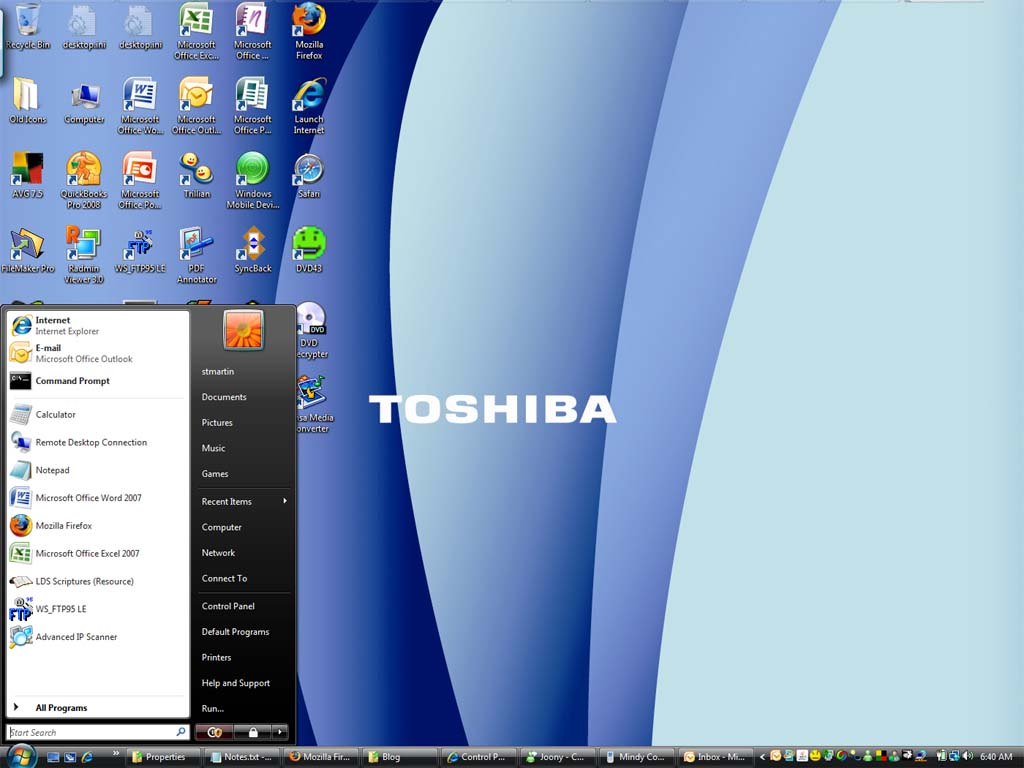
I have been using Windows Vista for about a year now. I was due for a new laptop for work and decided to take the plunge into Vista more for support reasons. If I was going to be supporting Vista users, I figured I had better know a thing or two about it.

So, what do I think? I like it. I don’t LOVE it, but it’s not a BAD operating system. I think Microsoft went the wrong direction in prettying up their OS without adding any new useful features. In fact, I actually turned off the Aero features because they weren’t helpful enough to justify any additional strain on my computer. I don’t care how pretty my OS is, I care how useful it is. I have run into only minimal back compatibility issues but still, I think Microsoft should have spent more time in this area. Overall though, it is a good OS.

Now, should a person upgrade their current OS to Vista? NO! Why would you? As I said, they didn’t really add any new useful features. So, if you are already running Windows XP or even Windows 2000, I don’t really see any reason to upgrade that OS to Vista. Then again, I have never really been a big supporter of upgrading an OS on any computer. Typically a computer has the hardware to run a certain OS. It is designed for that OS. It has the horsepower to run that OS. Use that computer with it’s intended OS until the hardware starts becoming obsolete. Perhaps upgrade RAM to keep it running speedy but don’t upgrade the OS. When you are finally ready for a new computer, go ahead and buy one with the latest OS. So, all you Windows XP users (probably most of you), don’t install Vista on your existing hardware. Just get Vista by default when you buy your next computer. Computers are designed to last anywhere from 3 to 5 years. If you get more time out of yours than that before things start falling apart, great, but you should probably be on the lookout for a new one.

With all the negative feedback on Vista, will Windows continue to be the dominant player in the OS market? Probably. Should you avoid Vista because of the negative feedback? No. It really isn’t that bad once you’ve played with it for a while and gotten used to it.

Magic Jack

Author: Steve Martin

I am a long time VoIP user. I have been using Packet8 for almost 4 years now. It is inexpensive phone service that comes with all of the major features you generally pay extra for. I have a VoIP comparison of different providers at my business website Smart Technology if you want to check it out.

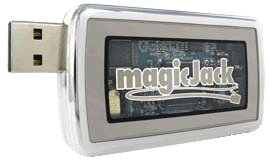
There is a new player in the VoIP market and it is called Magic Jack. I recently purchased one to test out and possibly use as my phone when I am at a client’s and don’t want to use up my cell phone minutes on a bunch of support calls. It can often take as much as a half hour or longer for a tech to finally get on the line to help troubleshoot a problem and then who knows how long after that. My cell phone bill ends up paying the price.

The device is about 3 inches by 1.25 inches by .25 inch in size. It plugs into any available USB port and has it’s own RJ11 phone jack on the back of it. You simply plug any standard phone into the RJ11 phone jack and start making phone calls. You buy the device for about $40 plus shipping which includes your first YEAR of unlimited calling within the US and Canada. Each year after that is currently priced at $20 per year. When you first plug in the device, you go through a quick setup which lets you pick a phone number for your device. You don’t have to pick a number in your current area code. You could pick a number in another state if you wanted to. Might make it easier and cheaper for grandma to call you if you pick a number in her area code.

The service only works if you have a high speed internet connection for the computer you plug the device into but high speed doesn’t have to be super fast, just faster than dial-up.

I tested it out yesterday as soon as mine arrived and must say that I was quite impressed with the sound quality. I had the device plugged into my laptop which is connected to my network via wireless and the calls sounded great. There were a couple of times that the call stuttered but other than that it was great. I don’t think I would replace my home phone with it or even my current Packet8 VoIP lines but for my purposes, I am glad I have it and am pretty sure it will come in quite handy at times. If nothing else, it provides you a great way to make super cheap long distance calls without having to watch the clock.